A Practical Map of Smart Cleaning
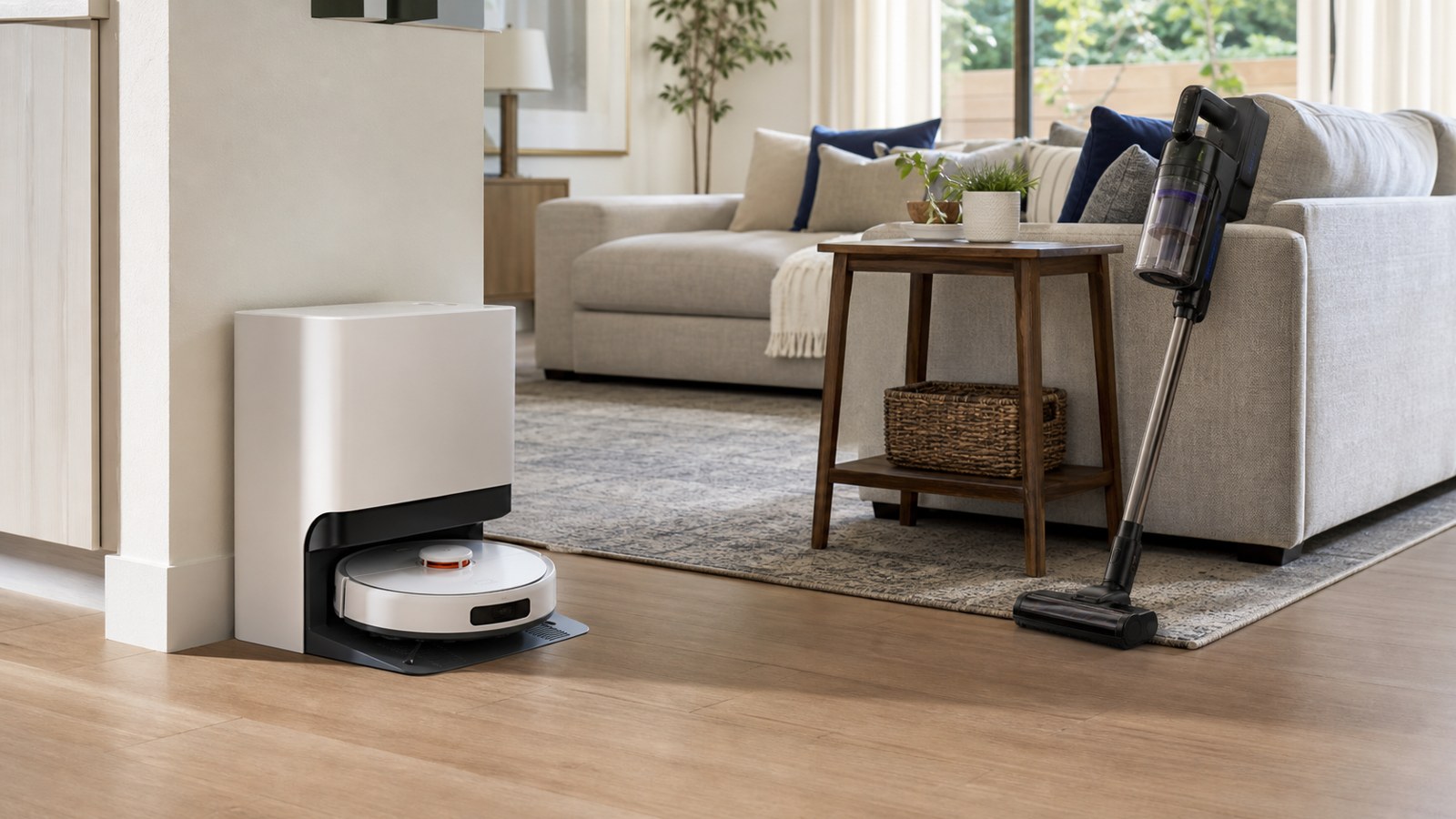
A smart cleaning system is a group of connected tools that helps a home stay cleaner with less day-to-day supervision. It may include a robot vacuum, robot mop, cordless vacuum, wet-dry floor cleaner, air purifier, washer alerts, leak sensors, and an app that schedules or monitors the work. The system is not one single product. It is the way devices, spaces, routines, and reminders work together to handle recurring mess before it turns into a bigger chore.
A: Connectivity, scheduling, sensors, mapping, alerts, and automation separate it from basic tools.
A: It helps with dry maintenance, but most homes still need detail cleaning and occasional mopping.
A: Most handle light residue; sticky spills and grout usually need stronger manual tools.
A: Sometimes, but cross-brand control depends on compatibility, hubs, and ecosystem support.
A: No. They can help with obstacle recognition, but many homes do well with LiDAR.
A: The dock and main cleaning areas need dependable coverage for maps, commands, and updates.
A: Basic buttons may still work, but app control and cloud features can be limited.
A: Only when every bundled device fits the floor plan and maintenance habits.
A: Most use modest energy, though constant charging and frequent runs still add some use.
A: Overly complex app extras are overrated when navigation, pickup, and maintenance access are weak.
The Core Idea Behind Smart Cleaning
Smart cleaning begins with a simple shift: cleaning moves from occasional rescue work to scheduled maintenance. Instead of waiting for dust, crumbs, hair, and spills to become obvious, connected tools run smaller tasks more often. That shift can make the home feel cleaner even when no single cleaning session looks impressive. The system succeeds when it creates a reliable baseline that people can build on with manual work where needed.
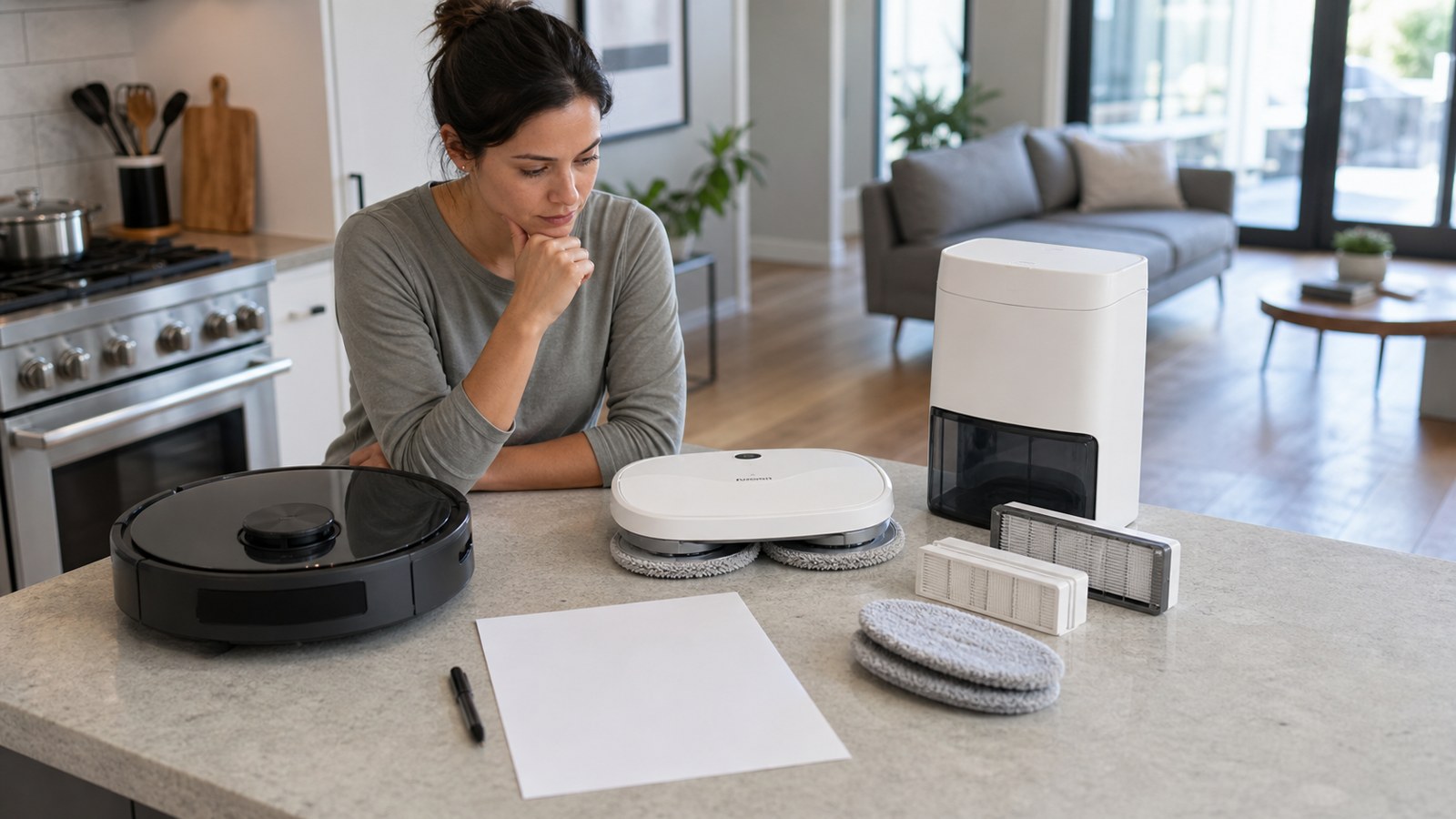
The word system is important because one product rarely does everything. A robot vacuum may be excellent on hard floors but weak on stairs. A robot mop may freshen tile but struggle with dried sauce. An air purifier may reduce dust in the air but cannot remove grit from a hallway. Smart cleaning is about assigning the right job to the right device and connecting those jobs through schedules, alerts, and storage habits.
Another important point is that smart cleaning is measured by repeatability. A single impressive demo does not matter much if the system is too difficult to run every week. The better test is ordinary use: a weekday morning, a kitchen after dinner, a hallway after rain, or a pet area before guests arrive. If the device can handle those situations without constant supervision, the technology is doing something useful.
How Mapping and Navigation Work
Modern robot cleaners use sensors to understand the room around them. Some use LiDAR to scan distance, some use cameras to recognize objects, and others rely on bumpers, cliff sensors, and movement tracking. The result is a map that lets the device clean by room, avoid restricted areas, and return to its dock. Better mapping usually means fewer missed spots and fewer strange wandering patterns.
A map is not permanent truth. Furniture moves, rugs shift, doors close, and seasonal decorations appear. Owners should expect to edit maps and run occasional remapping sessions when the home changes. That is not a flaw; it is part of keeping the system aligned with real life. The most dependable setups treat maps as household tools, not as one-time setup screens to ignore forever.
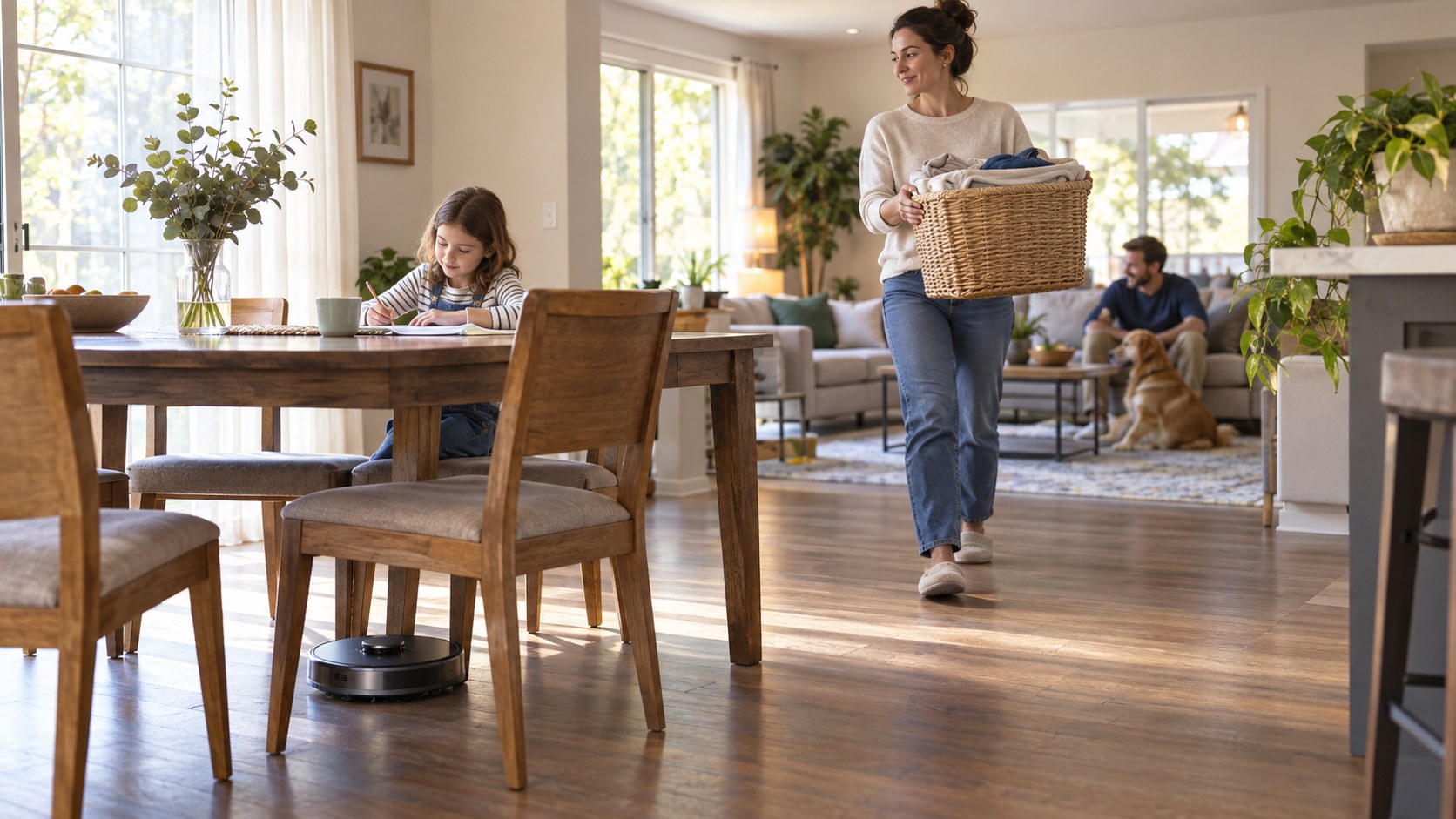
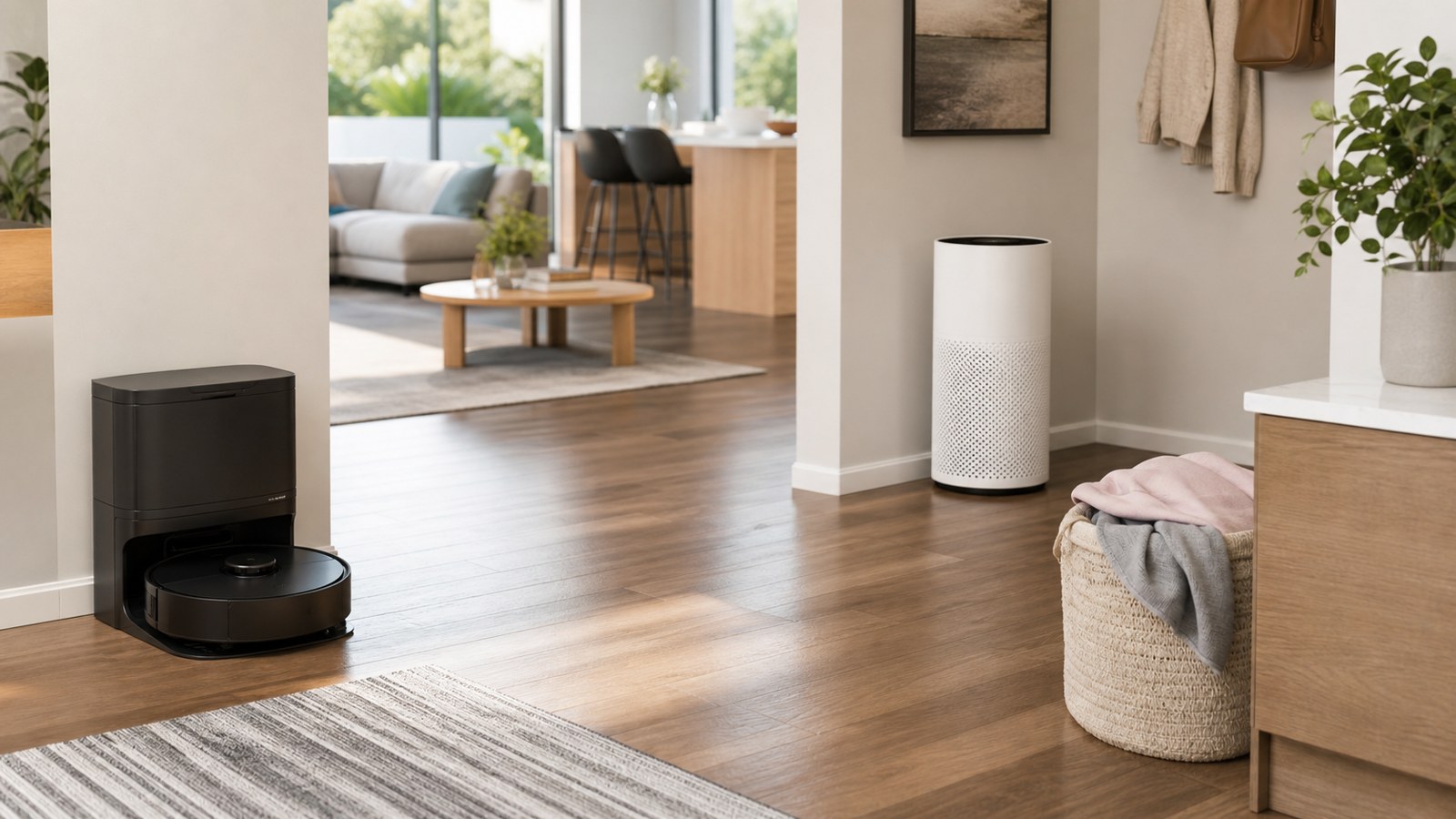
Navigation quality also depends on the environment. Clear dock space, managed cords, stable furniture, and well-defined room boundaries help devices perform better. A smart cleaner can be clever, but it still operates in a physical home with chair legs, thresholds, pet bowls, and toys. Good setup often beats expensive features.
The system view also helps prevent disappointment. A buyer who expects a robot vacuum to sanitize a kitchen, deep-clean carpet, and handle stairs will quickly feel let down. A buyer who expects it to reduce loose debris in mapped floor zones will judge it more fairly. Smart cleaning is strongest when each device has a narrow job and the household knows what success looks like. That clarity makes product comparisons easier because features can be measured against actual chores.
What the App Actually Does
The app is the control center, but it should not become the chore. A useful app lets owners name rooms, schedule cleaning, adjust suction, define zones, check maintenance needs, and review cleaning history. It should make the system easier to trust. If the app feels confusing, hides basic controls, or sends too many alerts, the household may stop using the connected features that justified the purchase.
A good control app also respects different household roles. One person may want full map editing, while another only needs a simple room-clean button. Shared access, understandable notifications, and plain maintenance prompts make the system easier for guests, relatives, and caregivers to use without learning every advanced setting.
Dry Cleaning, Damp Cleaning, and Deep Cleaning
Dry cleaning and damp cleaning are different jobs. Robot vacuums remove loose debris, which protects floors and improves the look of a room quickly. Robot mops manage light residue and footprints, especially in kitchens, baths, and entryways. Wet-dry floor cleaners use stronger suction and liquid handling for heavier messes. A smart system becomes more effective when these roles are separated rather than expecting one device to be perfect at all of them.
It helps to set up the app while standing in the rooms being named. Labels like hallway, mudroom, breakfast area, and pet corner should match the language the household uses every day. Clear names make voice commands easier and reduce mistakes when scheduling. If a map divides spaces strangely, edit it before building routines around it. A small naming decision can determine whether the system feels intuitive or oddly technical.
Notification settings deserve the same attention. A smart cleaning app should alert owners when the device is stuck, the bin is full, the water tank is empty, or a part needs care. It should not constantly interrupt with low-value suggestions. Keeping only useful alerts active protects the system’s credibility. When the app speaks less often, the household is more likely to listen.
Choosing Devices Around the Household
The right system for a pet owner may look very different from the right system for a small apartment. Pets call for hair-resistant rollers, stronger filtration, reliable obstacle handling, and easy bin service. Apartments may prioritize quiet operation, compact docking, and simple schedules. Large houses may need long battery life, recharge-and-resume cleaning, or multiple devices. The best buying question is not which model has the most features, but which model handles the household’s most common mess without constant babysitting.
Families with children should think about clutter and safety. Small toys, cords, socks, and craft supplies can interrupt robots. Child locks, no-go zones, and predictable pickup routines help. For older adults or anyone with mobility limits, dock access, light handheld tools, and self-emptying bins may matter more than advanced app dashboards.
Allergy-sensitive homes should look beyond floor pickup. Filter design, sealed dust handling, air purifier integration, and easy maintenance can reduce exposure during cleaning. A robot that collects dust but releases a cloud during emptying may be less helpful than a system with cleaner disposal and washable components.
Deep cleaning still belongs on the calendar. Baseboards, grout, vents, upholstery, appliance gaps, and under-furniture areas need occasional attention. Smart systems reduce how often those jobs feel urgent, but they do not remove them. A realistic owner sees automation as the middle layer between daily tidying and full deep cleaning. That middle layer is valuable precisely because it makes the heavy work less frequent and less discouraging.
Households should also match devices to tolerance for upkeep. A wet system may offer cleaner-looking floors, but it asks for pad washing, tank drying, and more careful storage. A dry robot may be easier to keep in service but less helpful after sticky kitchen use. Neither option is universally better. The right choice is the one whose care routine feels realistic after a long week.
Privacy and Connectivity Considerations
Smart cleaning devices collect information about the home. At minimum, that may include room maps, schedules, device names, and maintenance history. Camera-equipped models may process images for object recognition. Owners should review privacy policies, app permissions, account security, and data-sharing settings before placing connected devices in private spaces.
Good security habits are straightforward. Use a strong account password, enable two-factor authentication when available, keep firmware updated, and avoid giving unnecessary app permissions. If the device supports local controls or limited data storage, those settings may appeal to privacy-conscious households. Convenience is useful, but it should not require ignoring basic digital hygiene.
Connectivity should also be judged by resilience. If a cleaner becomes useless whenever the internet flickers, the system may be too cloud-dependent for a busy home. Look for basic onboard buttons, dependable docking, and clear status lights so the device remains understandable even when the app is not open.
Common Beginner Mistakes
The first common mistake is buying too much at once. A full smart cleaning ecosystem can look appealing, but it also creates more apps, docks, parts, and routines to learn. Starting with one clear need makes results easier to judge. If that first device proves useful, the next purchase can fill a specific gap instead of duplicating the same job.
Beginner mistakes are often setup mistakes disguised as product problems. A dock placed in a cramped corner, a map created before furniture is arranged, or a schedule set during busy household hours can make a good device seem unreliable. Before returning or replacing a cleaner, adjust the environment and routine. Many frustrations improve when the system is given a clearer path and a more realistic job.
What to Expect After the First Month
After the first month, the novelty should give way to a routine. The best systems become almost boring: the vacuum runs, the map works, alerts are understandable, pads get washed, and floors stay ahead of visible mess. If the system still requires constant rescue, the issue may be layout, clutter, settings, or the wrong device for the floor type.
Smart cleaning systems are worth understanding because they can make a home easier to manage without demanding perfection. The winning setup is practical, maintainable, and honest about what automation can and cannot do. When the devices fit the home, smart cleaning feels less like technology for its own sake and more like a calmer way to keep ordinary mess under control.
After the first month, review the system like a household tool rather than a gadget. Which rooms are cleaner? Which alerts are ignored? Which accessories are already wearing? Which schedule annoys someone? The answers help refine the setup before habits harden. A smart cleaning system should become easier to live with over time, not more complicated.
The best long-term systems are easy to explain. If a family member can say which rooms get vacuumed, when mop pads are washed, where filters live, and which alerts matter, the system is probably healthy. If nobody understands the map, the app, or the maintenance plan, the technology may be too complicated for the home. Simplicity is not a downgrade; it is what keeps smart cleaning useful.
A smart cleaning system is easiest to understand as a support layer. It catches recurring debris, organizes reminders, and keeps routine work visible. People still make judgment calls about stains, fragile surfaces, deep cleaning, and unusual messes. That balance is healthy. The most satisfied owners are usually the ones who let automation handle the repetitive middle while keeping manual control where it belongs. That expectation makes the technology feel dependable instead of overpromised. It also makes future upgrades easier to judge because each new device must solve a visible gap.